Quick Navigation
- Why Bother Switching? The Real Benefits of Direct Deposit
- How Does This Whole Thing Actually Work? The Nuts and Bolts
- Step-by-Step: How to Set Up Your Direct Deposit
- Leveling Up: Advanced Direct Deposit Tactics
- When Things Go Wrong: Troubleshooting Common Issues
- Direct Deposit vs. The Alternatives: A Clear Comparison
- Answering Your Burning Questions
Let's be honest. Waiting for a paper check to arrive, then driving to the bank, endorsing it, and finally depositing it feels like a relic from another era. It's slow, it's insecure, and frankly, it's a bit of a pain. In today's world, there's a much better way: the direct deposit. If you're still getting a physical paycheck, you're probably leaving convenience, security, and even a bit of money on the table. I remember the first time I switched; it felt like a small but significant upgrade to my financial life. No more worrying about a check getting lost in the mail or stolen from my mailbox. The money just... appears. Magic? Not quite. It's just smart banking.
So, what exactly is this thing everyone keeps talking about? At its core, a direct deposit is an electronic transfer of money straight from a payer's bank account into the recipient's bank account. Think of it as a digital handoff, skipping all the physical steps. Your employer (or the government for tax refunds, or any other regular payer) authorizes their bank to send funds to your bank via a secure network. You provide your banking details once, and like clockwork, your pay arrives. It's that simple. The system that makes most of this magic happen in the U.S. is called the Automated Clearing House (ACH) network, operated by Nacha. It's the behind-the-scenes plumbing for billions of electronic payments.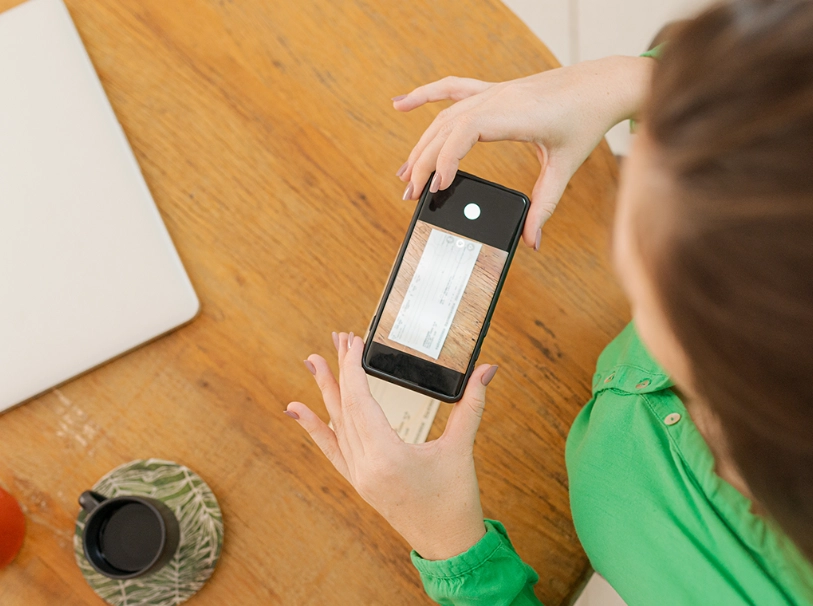
The Core Idea: A direct deposit cuts out the middleman (the paper check) and delivers your funds electronically. It's faster, safer, and more reliable than traditional methods.
Why Bother Switching? The Real Benefits of Direct Deposit
You might be thinking, "My check-cashing routine works fine." But does it, really? Let's break down the tangible benefits that make setting up a direct deposit a no-brainer for most people.
The first and most obvious perk is speed. With a direct deposit, your funds are typically available in your account on the scheduled payday, often as early as midnight. No more waiting for the mail carrier, no more bank processing delays. For many, this means access to money a full day or two earlier. That can make a real difference if bills are due.
Security is another massive win. A paper check is a fragile piece of paper with all the information a thief needs: your name, your bank's routing number, your account number, and often your signature. If it's lost or stolen, it's a fraudster's dream. An electronic transfer, however, is encrypted and travels through secure banking channels. The risk of interception or alteration is astronomically lower. The FDIC explicitly highlights electronic payments as a safer alternative to paper checks for this very reason.
Then there's the sheer convenience. It's a classic "set it and forget it" system. Once your direct deposit is configured, you never have to think about depositing your paycheck again. This is a huge time-saver. No trips to the bank or ATM, no mobile check deposit apps that sometimes fail to read the check properly. The money is just there. This reliability is a psychological relief, especially for budgeting.
Many banks and credit unions offer perks to customers who use direct deposit. These can include waiving monthly maintenance fees, offering higher interest rates on checking or savings accounts, or even cash bonuses. I've personally had my $15 monthly fee waived for years simply by having my paycheck deposited electronically. It's a small reward for using a more efficient system.
Finally, it's better for the environment. No paper, no ink, no transportation fuel for check delivery. It's a small green choice you can make effortlessly.
Pro Tip: Always verify your bank's specific "funds availability" policy. While most direct deposits are available on the pay date, some institutions may release funds earlier, sometimes even the afternoon before if they receive the file ahead of time.
How Does This Whole Thing Actually Work? The Nuts and Bolts
It's helpful to know the journey your money takes. It demystifies the process and helps you troubleshoot if something ever goes wrong (which is rare, but it happens).
The process starts with you. You provide your employer (or other payer) with two crucial pieces of information from your bank account: the routing number and your account number. You can find these at the bottom of your checks or within your online banking portal. This information tells the system exactly where to send the money.
On payday (or a day or two before), your employer's payroll service compiles a file with all the payment instructions for every employee using direct deposit. This file is sent to their bank.
Their bank then submits this batch of transactions to the ACH network. Think of the ACH as a highly secure, digital sorting facility for money. It processes transactions in batches throughout the day.
The ACH network routes the transaction to *your* bank, instructing it to credit your specific account with the specified amount.
Your bank receives the instruction, verifies it, and posts the funds to your account. Voilà! The money is now yours. The entire back-and-forth between banks is settled later, but you get access to the funds immediately because the system is trusted.
It's worth noting that while ACH is the most common backbone, some real-time payment networks like the RTP® network or FedNowSM are also being used for direct deposit, promising even faster, near-instantaneous transfers. However, ACH is still the workhorse for now.
The Information You Need to Provide: A Simple Checklist
Gathering this info is the only real "work" you have to do. Here’s exactly what you'll need, usually presented on a form from your HR department or within your online payroll portal:
- Your Bank's Routing Number (ABA Number): This 9-digit code identifies your financial institution. All branches of the same bank share the same routing number.
- Your Account Number: This is your unique identifier at that bank. It can vary in length.
- Account Type: You must specify if it's a Checking or Savings account. Sending a deposit to the wrong type can cause a rejection.
- Your Name as it Appears on the Account: This must match exactly. If your paycheck says "Robert Smith" but your bank account is under "Bob Smith," it might cause a hiccup.
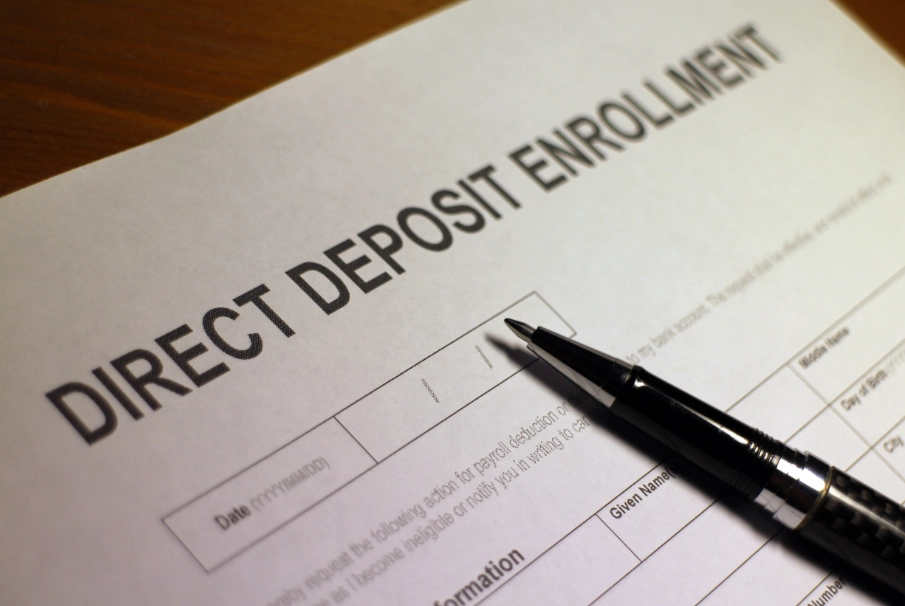
Double-Check Everything! A single wrong digit in your account or routing number can send your pay to someone else's account. Recovering those funds can be a lengthy and stressful process. Always verify the numbers twice, even if you're copying them from your online bank. I once transposed two digits on a form years ago; it took a week and three phone calls to get it sorted. Not fun.
Step-by-Step: How to Set Up Your Direct Deposit
Okay, you're convinced. Let's get it done. The process is straightforward but requires attention to detail.
Step 1: Get the Form. Contact your company's Human Resources or Payroll department. They will provide you with a direct deposit authorization form. This is often a paper form, but increasingly, companies use self-service online portals where you enter the information digitally. If you're setting it up for government benefits like Social Security, you can do it through your Social Security online account.
Step 2: Fill It Out Accurately. Use the checklist above. If you're using a paper form, write clearly. For online forms, copy and paste from your banking app to avoid typos, but then visually compare the pasted numbers to the source to ensure nothing went wrong.
Step 3: Provide a Voided Check or Deposit Slip (Sometimes). Some employers require a voided check from the account you're using. This is simply a security measure to double-check your numbers. Write "VOID" in large letters across the front of the check so it can't be used, and attach it to your form.
Step 4: Submit the Form. Return the completed form (and voided check, if required) to HR/Payroll by their deadline. There's usually a cutoff date a few days before the next pay period to ensure the setup is processed in time.
Step 5: The Test Run. Many employers (and all good payroll systems) will process a small test deposit, usually between $0.01 and $0.99, before switching your entire paycheck. You must log into your bank account, see what that test amount was, and report it back to HR to confirm the account is live and correct. Don't skip this step!
Step 6: You're Live! Once confirmed, your next full paycheck will be deposited electronically. Keep an eye on your account on the first payday to make sure everything went smoothly. You should also receive a pay stub (electronically or physically) detailing your earnings and deductions, just like before.
Leveling Up: Advanced Direct Deposit Tactics
Once you have the basics down, you can use direct deposit to work even smarter for your financial goals. This is where it gets interesting.
One of the most powerful features is split deposit. You don't have to send your entire paycheck to one account. You can instruct your employer to send a specific dollar amount or a percentage to different accounts. This is a fantastic, automated way to manage your money.
For example, you could set it up so that:
- 80% goes to your primary checking account for bills and spending.
- 15% goes straight to a high-yield savings account for your emergency fund or a down payment.
- 5% goes to a separate savings account for vacations or hobbies.
By paying yourself first this way, you enforce savings without ever feeling the temptation to spend that money. It's out of sight, out of mind, and growing. I started doing this with just $50 per paycheck into a "car repair" fund, and it saved me from putting a major repair on a credit card a year later.
You can also use split deposits to fund investment accounts, like an IRA, if your brokerage provides a routing and account number for deposits. Automating your investments is a key habit for building wealth.
Another consideration is which account to use. While checking is standard, there's no rule against using a savings account for your direct deposit. However, be mindful of Regulation D, which historically limited certain types of withdrawals from savings accounts to six per month. While these transaction limits have been relaxed, some banks may still impose fees for excessive transfers. Using checking is usually the safest bet for your primary deposit, with splits going to savings.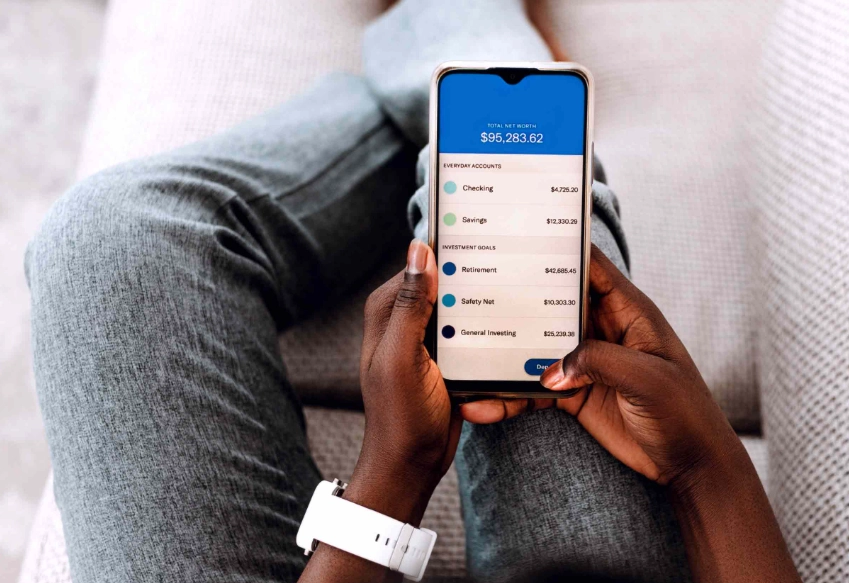
When Things Go Wrong: Troubleshooting Common Issues
Even the best systems have hiccups. If your direct deposit doesn't show up when expected, don't panic. Follow this logical sequence.
First, check the calendar. Was there a holiday? Banks are closed on federal holidays, and ACH processing pauses. This can delay deposits by a day. Also, confirm the official pay date with your employer. Sometimes we just get the date wrong.
Second, check with your employer. Contact HR or Payroll. Ask if the payroll file was submitted on time and if there were any errors flagged with your deposit information. This is the most common source of issues—a problem on the sender's end.
Third, verify your bank account details. Log into your bank account. Did the test deposit (if there was one) go through successfully? Are you absolutely sure you're looking at the correct account? I've heard of people setting up a deposit for a new account but then obsessively checking their old, closed one.
Fourth, contact your bank. Ask them if they have received any ACH credit instructions in your name. They can see pending transactions that may not yet be visible to you in your online portal.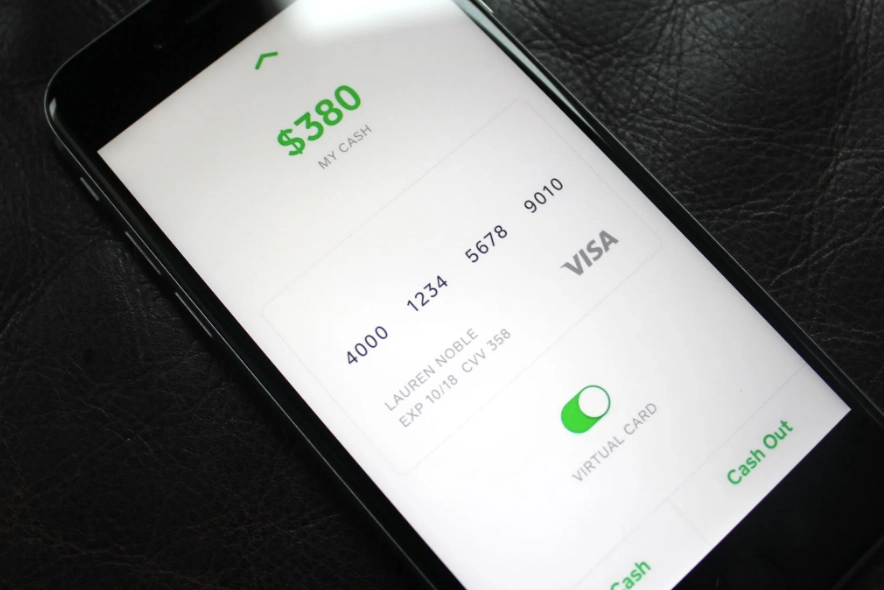
Here’s a quick table to diagnose the most frequent problems:
| Symptom | Likely Cause | What to Do First |
|---|---|---|
| No deposit on payday morning. | Bank processing delay, holiday schedule, or employer submitted payroll late. | Wait until the afternoon. Check with coworkers to see if they received theirs. |
| Deposit is for the wrong amount. | Payroll error on your paycheck calculation (hours, deductions, etc.). | Review your pay stub and contact HR/Payroll immediately. |
| Deposit failed/rejected. | Incorrect account/routing number, closed account, or account name mismatch. | Contact your employer's payroll department FIRST. They will have received a rejection notice from the bank with a reason code. |
| Test deposit never arrived. | Wrong information on the authorization form or form not processed yet. | Confirm with HR that the form was submitted. Triple-check the numbers you provided. |
If a deposit is sent to the wrong account due to your error, the funds can usually be recovered, but it requires your employer to initiate a recall or reversal through their bank. This is not instantaneous and can take several business days. This is why accuracy on the setup form is so critical.
Direct Deposit vs. The Alternatives: A Clear Comparison
Is a direct deposit always the best choice? For recurring payments like a salary, almost always yes. But let's stack it up against other common methods to see why.
Paper Checks: We've covered this. Slower, less secure, less convenient. The only potential "advantage" is a physical record, but you get a digital pay stub with direct deposit anyway. Checks can get lost, damaged, or stolen. They also incur costs for the employer to print and mail.
Payroll Cards: These are pre-paid debit cards loaded with your net pay. They can be useful for employees without bank accounts. However, they often come with fees—for ATM withdrawals, balance inquiries, inactivity, etc. With a direct deposit into a standard bank account, you have more control, better consumer protections, and typically fewer fees.
Peer-to-Peer (P2P) Apps (Venmo, Cash App, Zelle): These are fantastic for splitting a dinner bill or paying your friend back. They are not designed for regular payroll. They lack the formal pay stub detailing taxes and deductions, which you need for your records. They may also have weekly transfer limits lower than your paycheck. Zelle is integrated with many banks, but using it for payroll would be an awkward workaround. Stick to P2P for personal payments, not your primary income.
Wire Transfers: These are real-time, irrevocable transfers. They are extremely fast and secure but are also expensive ($15-$50 per transfer). Employers will not use wires for regular payroll due to the cost. Wires are for large, one-time transactions like a house down payment.
The verdict? For the regular, predictable movement of your salary, direct deposit via ACH is the undisputed champion of balance, offering the best mix of speed, cost (free for you), security, and reliability.
Answering Your Burning Questions
Can I have direct deposit if I don't have a traditional bank account?
Yes, you can. Many online-only banks (like Chime, Current, or Varo) and neobanks offer account and routing numbers that work perfectly for direct deposit. Some even offer early access to your funds as a key feature. Additionally, you can use a payroll card, though be wary of the fees as mentioned.
How long does it take to set up direct deposit?
From the moment you submit your form, it usually takes one to two pay cycles to become fully active. The first cycle is for processing your authorization and sending the test deposit. The second cycle is when your full paycheck is deposited electronically. Plan accordingly and don't close your old account or stop looking for paper checks until you've confirmed the first full electronic deposit is successful.
Is direct deposit safe from hackers?
No system is 100% invulnerable, but the ACH network and bank security protocols are incredibly robust. It is far safer than the physical alternatives. The greater risk is often on the individual level: someone stealing your login credentials for your online bank account or your employer falling for a payroll phishing scam. Protect your personal information, use strong, unique passwords, and enable two-factor authentication on your bank account. The security of the transfer itself is top-notch.
What if I change banks?
This is a common scenario. You need to provide your new bank's information to your employer well before the next pay period's deadline. Fill out a new direct deposit authorization form with the new account details. Importantly, do not close your old account until at least one full paycheck has successfully landed in the new account. Keep enough money in the old account to cover any automatic payments you might have forgotten about during the transition period.
Can I cancel or stop a direct deposit?
You can't stop a specific deposit once your employer has submitted the payroll file. To stop future deposits, you must notify your employer in writing (or through their official portal) to revoke the authorization. They will then revert to issuing you a paper check (or ask you to set up a new method). For a single, erroneous deposit, you must work with your employer and bank as described in the troubleshooting section.
Look, managing money is complicated enough. Something as fundamental as getting paid shouldn't add to the stress. Switching to a direct deposit is one of the simplest, most impactful upgrades you can make to your financial routine. It saves time, reduces worry, and puts you in control. It’s a small step that makes everything else a little bit easier. Take an hour this week, dig out your bank details, and fill out that form. Your future self, lounging on a Friday instead of standing in a bank line, will thank you.
Reader Comments